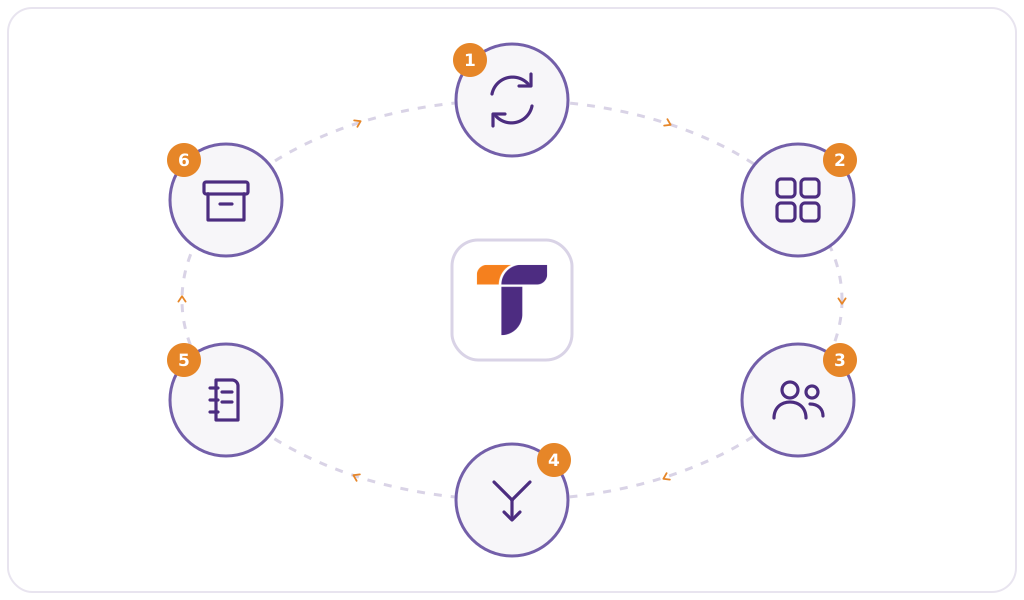
Teameo launches every class
Every class in the SIS becomes a class team in Microsoft Teams, with its students, its teachers and its Class Notebook. Teachers find their classes ready.





Teameo connects your student information system to Microsoft Teams. Launch every class automatically, or give each teacher a dashboard to choose how their classes are launched, merged and copied, in one click. Enrollments stay in sync all term without an IT ticket.
Teameo prepares your classes in Microsoft Teams. It takes your class lists from your student information system, so teachers and students find their classes ready, and keeps them up to date all term.
Your choice
Automate every class, or leave the pedagogical choices to each teacher. Either way, your institution sets the timing.
Every class in the SIS becomes a class team in Microsoft Teams, with its students, its teachers and its Class Notebook. Teachers find their classes ready.
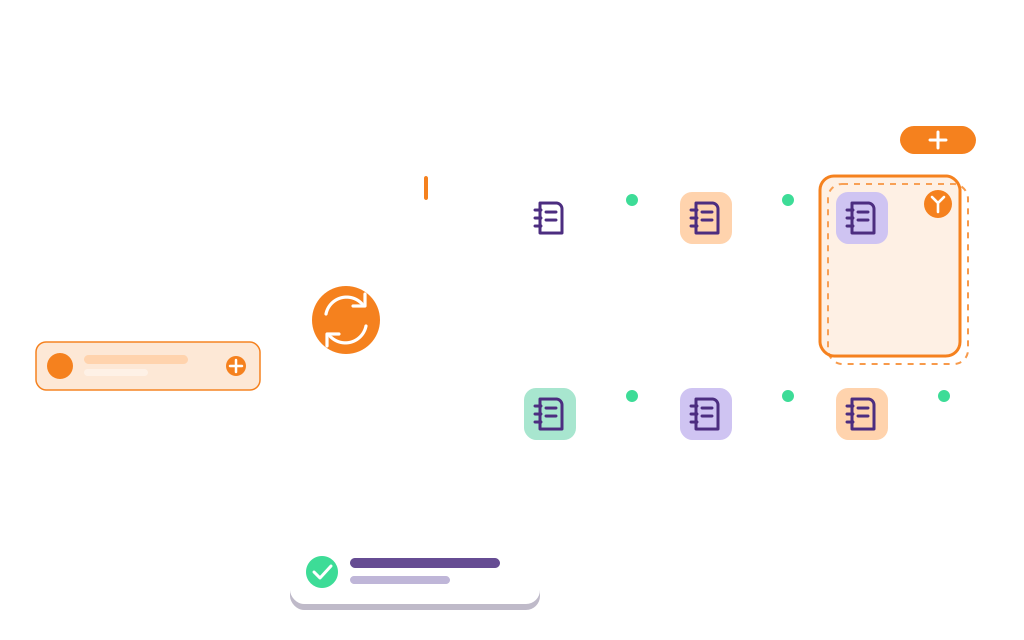
From a dashboard of all their classes, teachers decide how to launch each one (a new team, an existing team or a template), whether to merge sections and what to copy from a previous class. Then one click.
Decide when classes become available for teachers to launch, and when students are added to them.
A personal app pinned in the Teams sidebar, in a version for teachers, students and staff. It brings your tools, your resources, tabs for websites and SharePoint, and the class management interface into one place. Students get My classes, showing where each class is given. A super-user keeps it up to date without a Teams admin.
Colleges that run their Microsoft Teams classes with Teameo.


For teachers
Each teacher gets a dashboard of all their classes inside Microsoft Teams. They choose how to launch, merge and copy each one, then launch it in one click.
For super-users
Configure every class, user and group across the institution from a single interface.


AI-powered error monitoring
Effortless user management

How it works
We do the integration work with your IT team. After that, every term starts on its own.
We connect your SIS/ERP to Teameo and your Microsoft 365 tenant, whether it is a major platform or a system built in-house.
Choose automatic or teacher-led launch, when classes open and when students are added, and what happens at the end of term.
Classes, enrollments and Class Notebooks stay in sync all term. Our team trains your staff and supports you at every step.
Who we are
Teameo is built by LS2 Innovation, a software publisher whose solutions are used by more than 50 colleges and universities. We have spent years connecting student information systems to Microsoft 365, from major platforms to systems built in-house, and we stay with your team from the first connection to every new term.
In a demo, we show it live in Microsoft Teams, configured for your SIS: classes arriving from the SIS, a teacher launching, merging and copying them, a late enrollment syncing on its own, and the super-user console. No slides.
Book a Demo